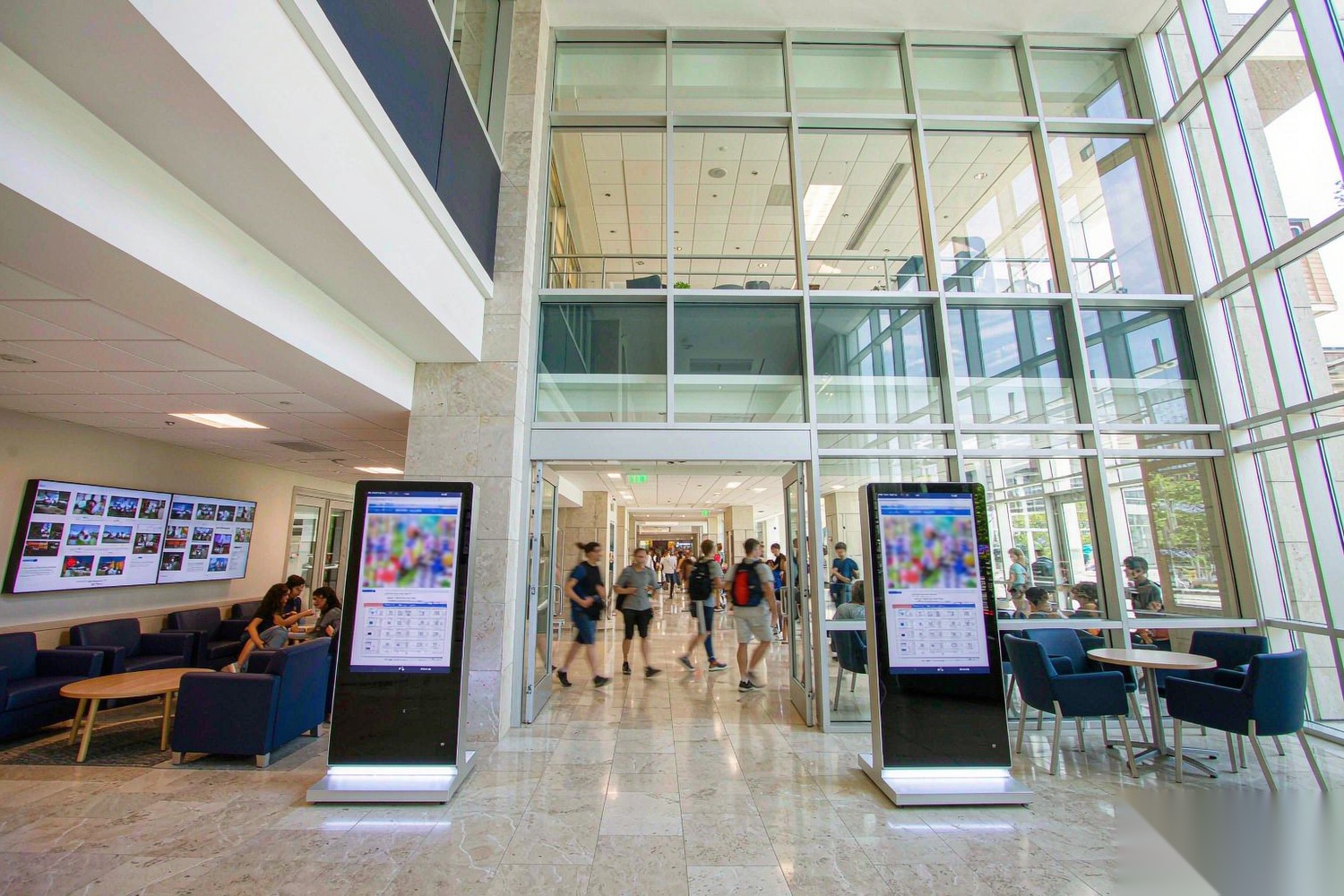
A campus already has screens in the lobby, the library, the canteen and the corridors — usually fed by USB sticks or standalone players that somebody has to walk to. The Reach information release solution puts every screen on the IP network. Campus TV programmes, live classes, notices and emergency messages are encoded once on the CF48 server and decoded at each screen, with content and schedule controlled from a browser or an app.
Because the system is AV over IP, adding a screen means adding a decoder and one network cable — no matrix switcher and no new cable run back to the server room. One server handles up to 48 channels, groups screens by building or floor, and can put an urgent notice on every display in the campus within seconds.
One source, every screen
Content is encoded once and decoded anywhere on the campus LAN — no per-screen player, no USB stick.
Scheduled playback
Playlists are assigned to screen groups by day and time: morning notices, lunch menu, evening events, all automatic.
Live and file-based content
Campus TV programmes and live classes share the screen with slides, notices and recorded video.
Emergency override
An urgent message can interrupt every playlist immediately and be cleared once the situation is resolved.
No matrix switcher
Pure IP distribution: one decoder and one CAT6 cable per screen, which keeps large campuses affordable.
Central control
Screen status, power, volume and content are managed from the WEB UI or the mobile app, by building, floor or group.
Sources are encoded once: the campus studio, a classroom media processor and the notice PC all feed the CF48 server over HDMI, SDI or IP. The server stores, schedules and streams the content across the campus LAN, and each screen needs only a decoder and an active speaker — in the library, the canteen, the corridor or a classroom.
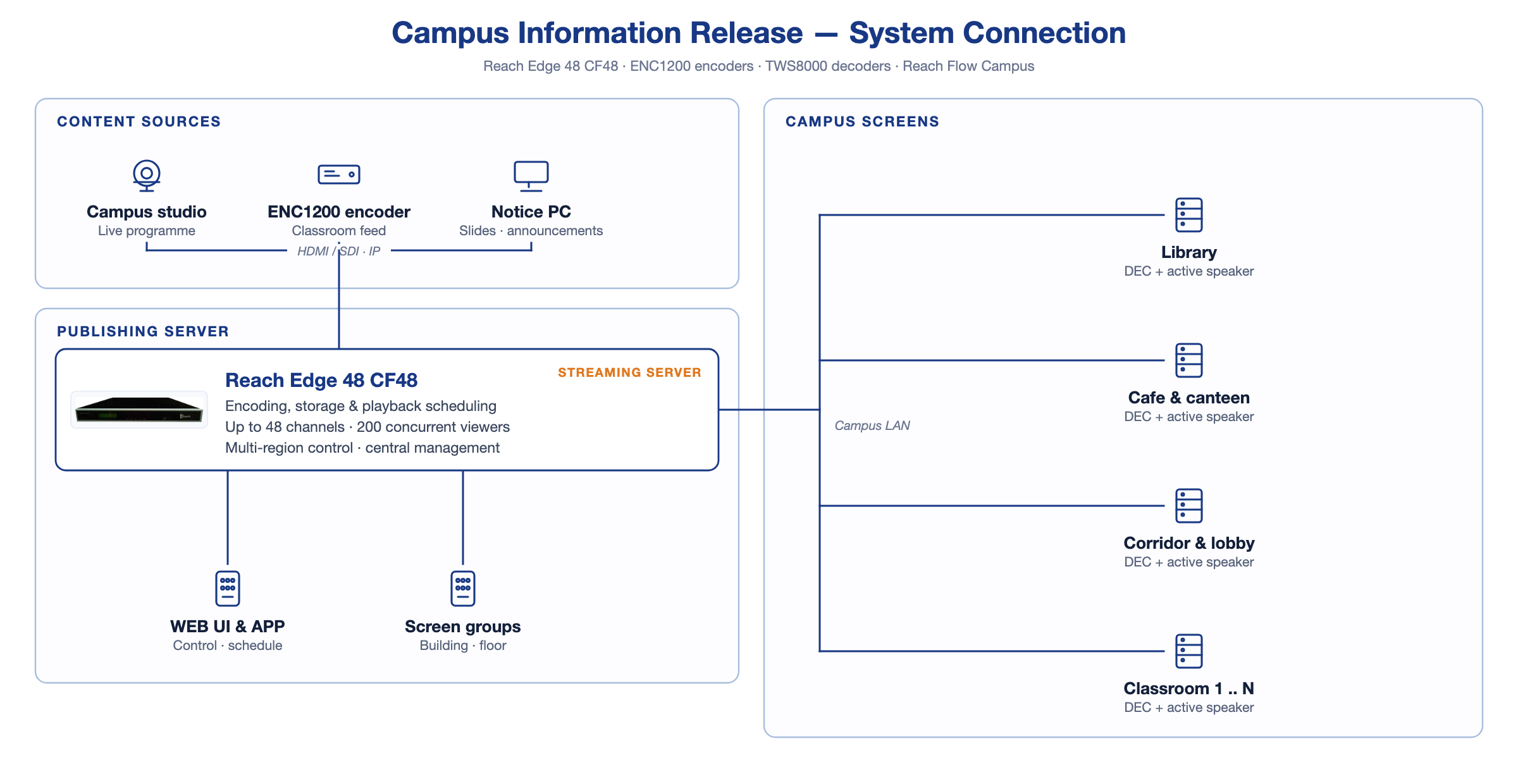
System connection — content encoded once on the CF48 server and decoded at every campus screen over the IP network
| Model | Role | What it does |
|---|---|---|
| CF48 | Streaming & publishing server | Encoding, storage and playback scheduling for up to 48 channels with 200 concurrent viewers. |
| ENC1200 | Encoder node | Turns an HDMI or SDI source into an H.265 stream on the campus network. |
| TWS8000 | 4K decoder | Decodes a channel to HDMI for the screen; one decoder per display. |
| MCS500 | Management platform | Reach Flow Campus: content library, playlists, screen groups, permissions and status monitoring. |
| LS-Y30 | Active speaker | Local audio for the screen — announcements and programme sound in public areas. |
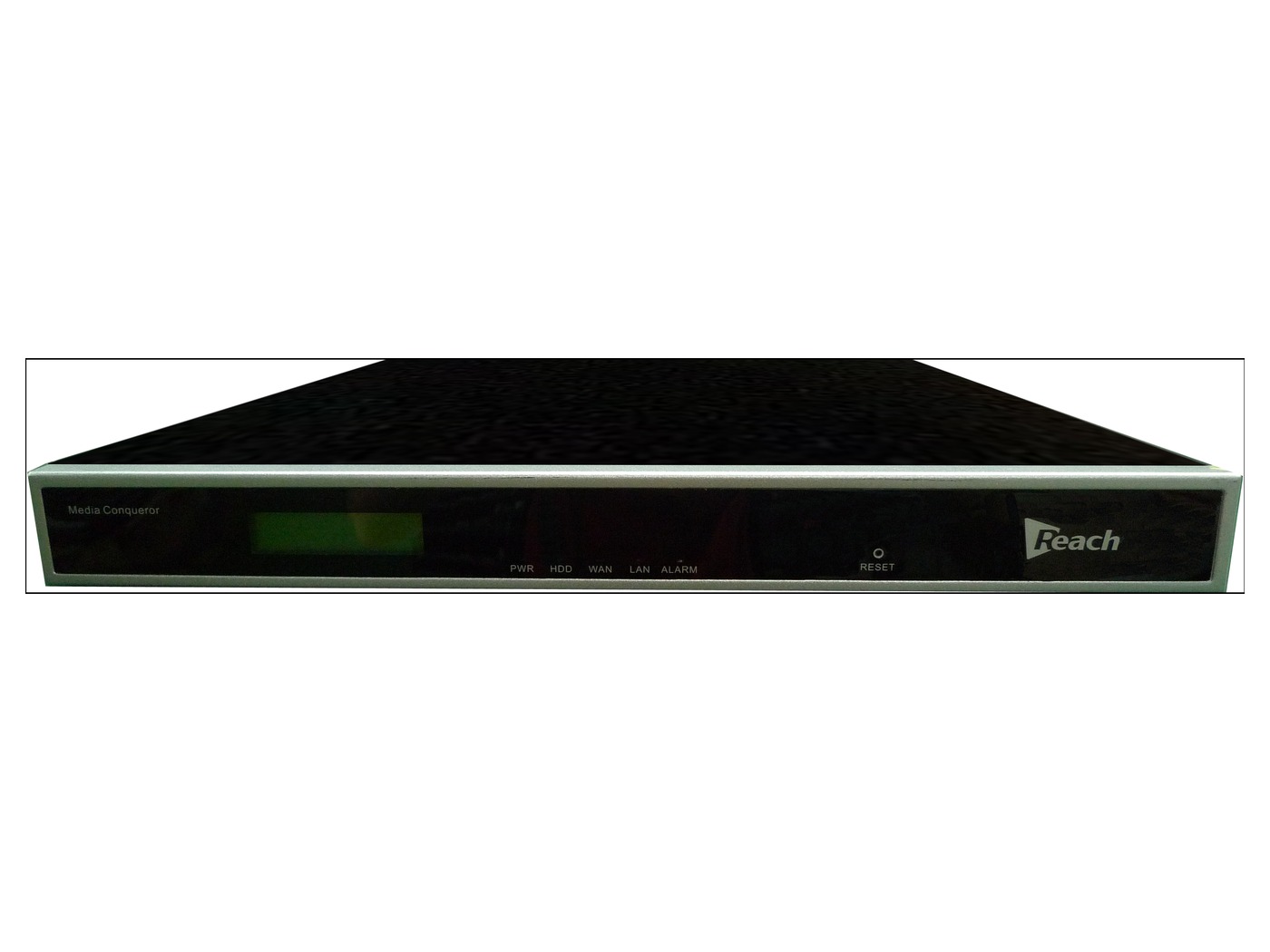
CF48 — streaming & publishing server
Notices, timetables and campus news run on a schedule without anyone touching the screens. Each display group follows its own playlist — the canteen shows the menu at noon, the lobby shows the day’s events in the morning.
When the campus TV station goes live, the programme can be pushed to every screen at once, so a speech in the auditorium is seen in the canteen and in every classroom corridor.
An emergency notice interrupts all playlists and stays on screen until it is cleared; the same decoder drives the local speaker, so the message is heard as well as seen.
Each building can show its own room schedule, exam notices and wayfinding, managed by the building administrator from the same platform.
 Tel:+86 13265602904