The Reach medical media solution covers the full video chain of a modern hospital: recording and live streaming inside the operating room, skills and simulation training in the teaching centre, and interactive debrief, case review and remote instruction afterwards. At the centre of every room sits a Reach recorder — the MM5000 medical media processor in the operating theatre and the Bee3 Plus all-in-one unit in the simulation and skills rooms — feeding one hospital network that carries the picture to the Media Center Pro platform, the debrief rooms, the auditorium and remote viewers.
In the operating room the MM5000 integrates the signals of every imaging device — the surgical field camera, the endoscope, DSA and the life monitors — and records them case by case as MP4 files while streaming the live picture to the teaching rooms. In the simulation centre the same workflow records skills training, OSCE stations and team debriefs. Because every recorder speaks the same protocol, one platform manages all rooms: recording schedules, case libraries, permissioned sharing and telemedicine links with partner hospitals.
Integrated recording of all medical videos
One recorder captures the signals of 4–8 devices in a single operating theatre, including standard SD / HD / VGA and the non-standard outputs of medical imaging equipment.
One-touch touch operation
The touchscreen or web interface makes switching between connected sources and layouts easy — clinical staff run the system themselves, without the IT department.
Synchronous multi-signal recording
Several medical images are recorded at the same time on one timeline, with 4K support and an individual standard MP4 file produced for each signal.
Record & stream at the same time
Every session is written as an MP4 file while the live picture goes out as RTMP or RTSP, with freely combined layouts including split-screen teaching views.
Case-based management with HIS / PACS
Each recording is linked to the patient ID and forms part of the medical record; worklist, history and access control connect with PACS (DICOM) and HIS.
Remote instruction & two-way interaction
Surgeons can request instruction at any time and discuss with two-way audio, video and remote annotation from a computer, tablet or mobile phone.
A standard deployment covers three room types. In the operating room the surgical field camera, the medical imaging devices and the ACM700 microphones connect to the MM5000; in the simulation training room the skill cameras and microphones connect to the Bee3 Plus. Both recorders join the hospital network, and the Media Center Pro platform distributes the picture to the debrief displays, the auditorium and the internet.
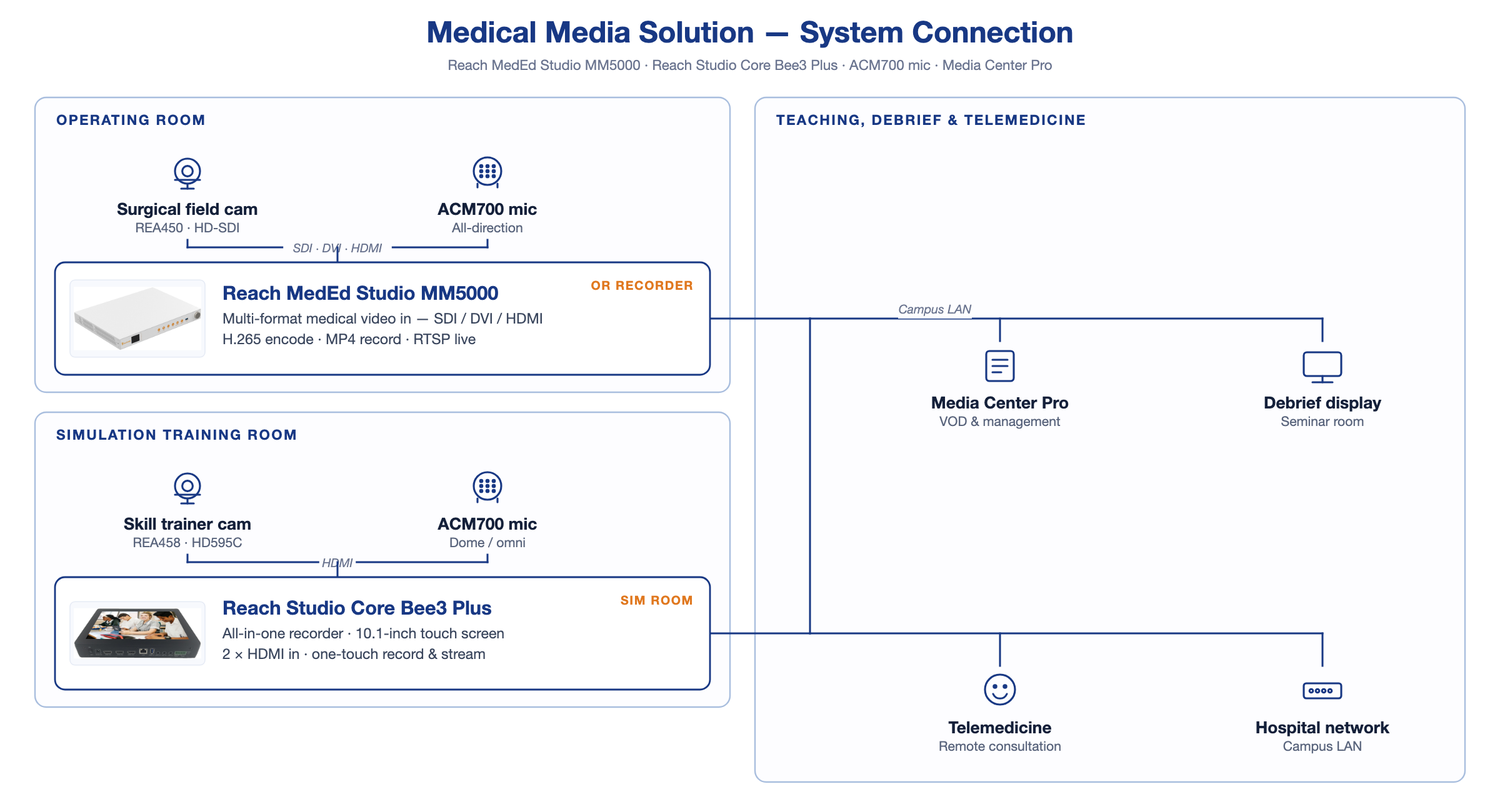
System connection — MM5000 in the operating room, Bee3 Plus in the simulation room, and the Media Center Pro teaching, debrief and platform layer
| Model | Role | What it does |
|---|---|---|
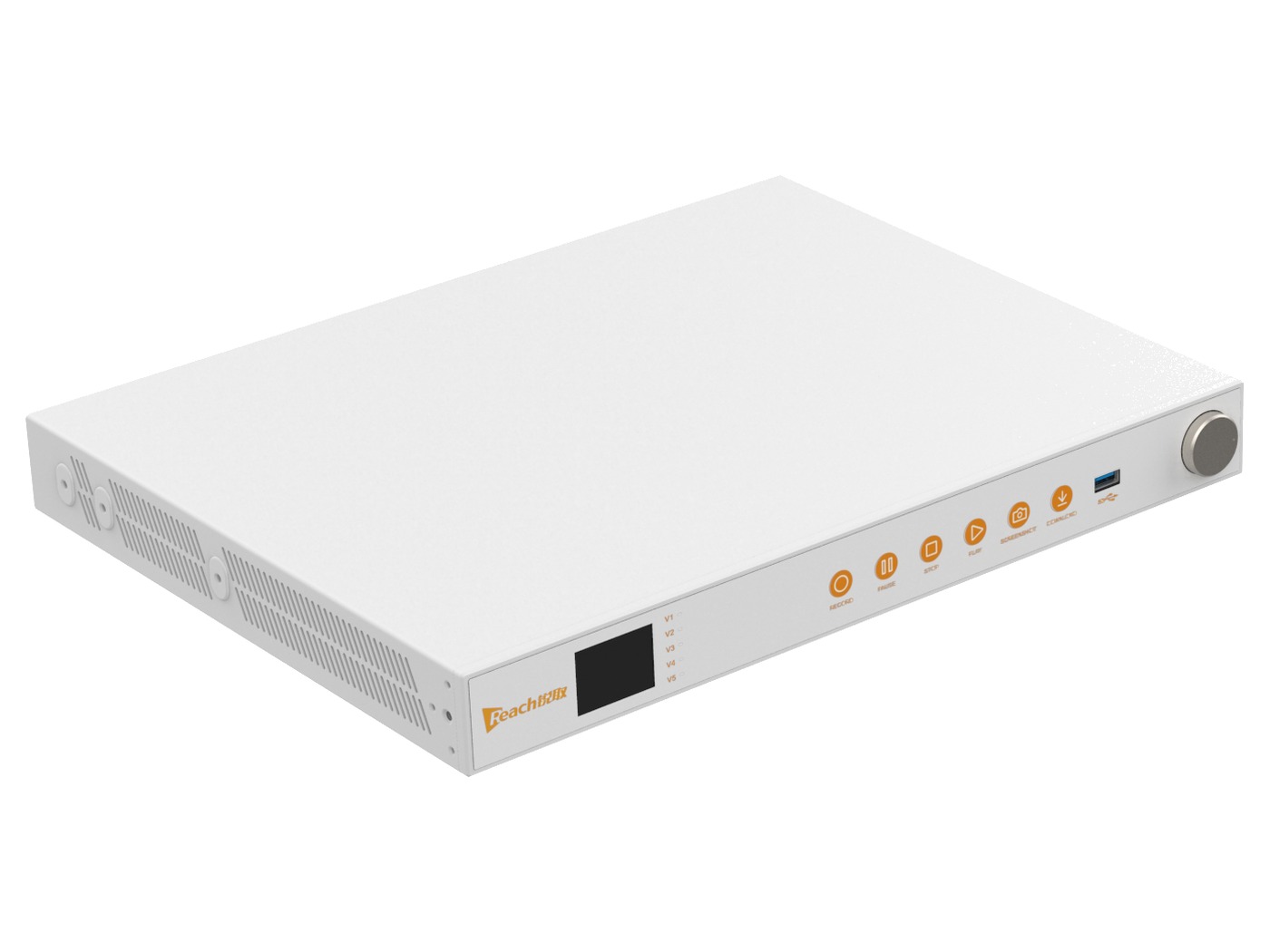
| MM5000 | Medical media processor | SDI / DVI / HDMI medical video inputs, H.265 encoding, MP4 recording, RTSP live streaming, two-way audio, touch control, RS-232 instrument control and built-in storage. |
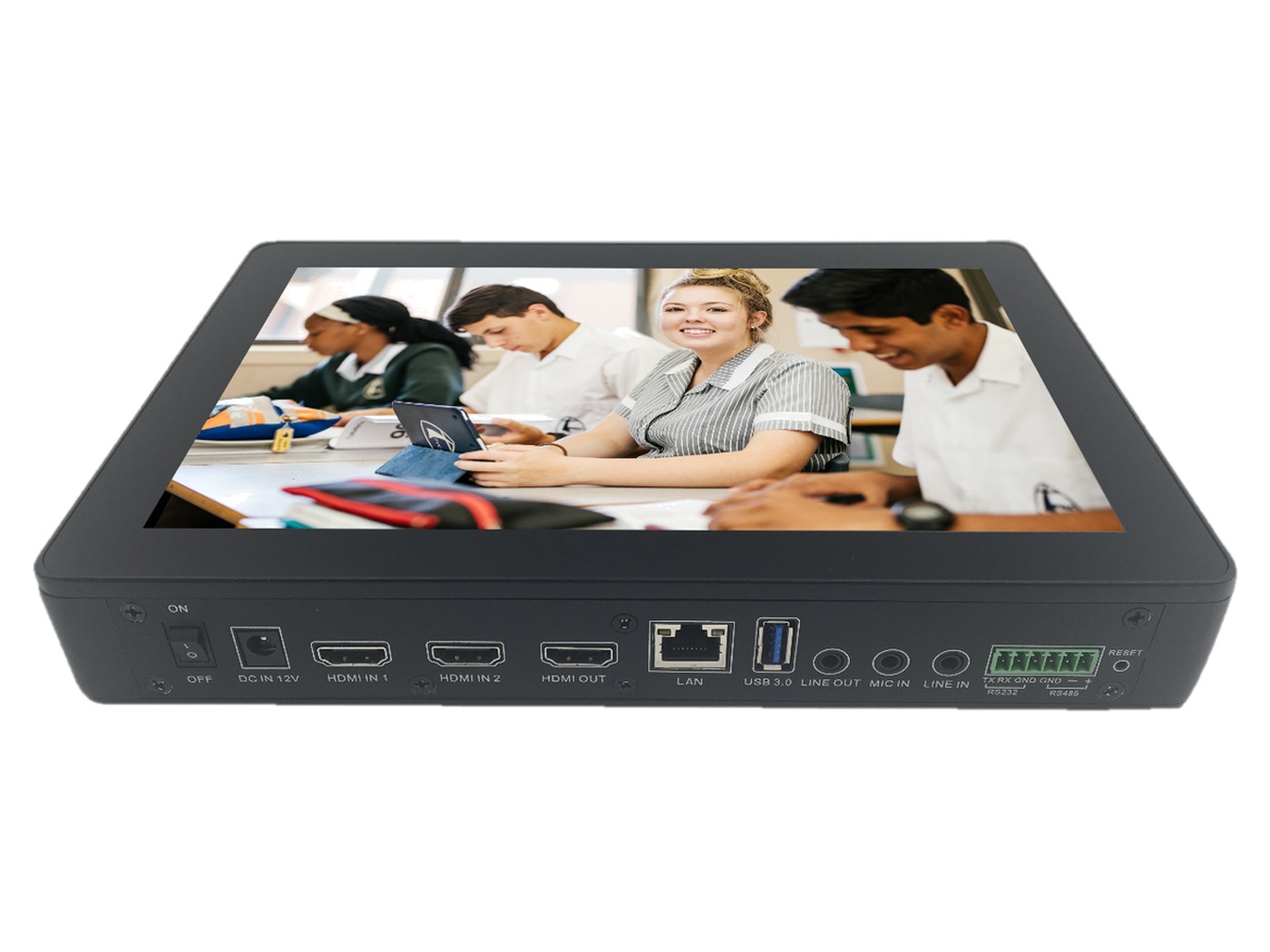
| Bee3 Plus | All-in-one medical recorder | 10.1-inch touch screen, 2 × HDMI in, HDMI out, LAN and USB 3.0 — one-touch record, stream, switch and layout for simulation and skills rooms. |
| REX system | Distributed recording & live | Encoder per signal source with a media master for up to 48 channels, split-screen teaching and viewing across multiple rooms. |
| Media Center Pro | Medical video platform | Case library, VOD publishing, device and authority management, and a live streaming portal for up to 500 users. |
| ACM700 | All-direction microphone | Ceiling or table microphone for room audio pickup and the two-way debrief intercom. |
| REA430 | PTZ surgical field camera | Panoramic and close-up views of the operating field with HD-SDI output. |
MM5000 — medical media processor
Bee3 Plus — all-in-one recorder

MM5000 rear panel — SDI / DVI-I video inputs, HDMI outputs, audio line in, LAN, USB and RS-232 control terminals
When a case with teaching value occurs, students and colleagues watch the operation in the auditorium or classroom without entering the theatre, switch between each perspective and zoom to full screen. The recording stays available for case review after the surgery.
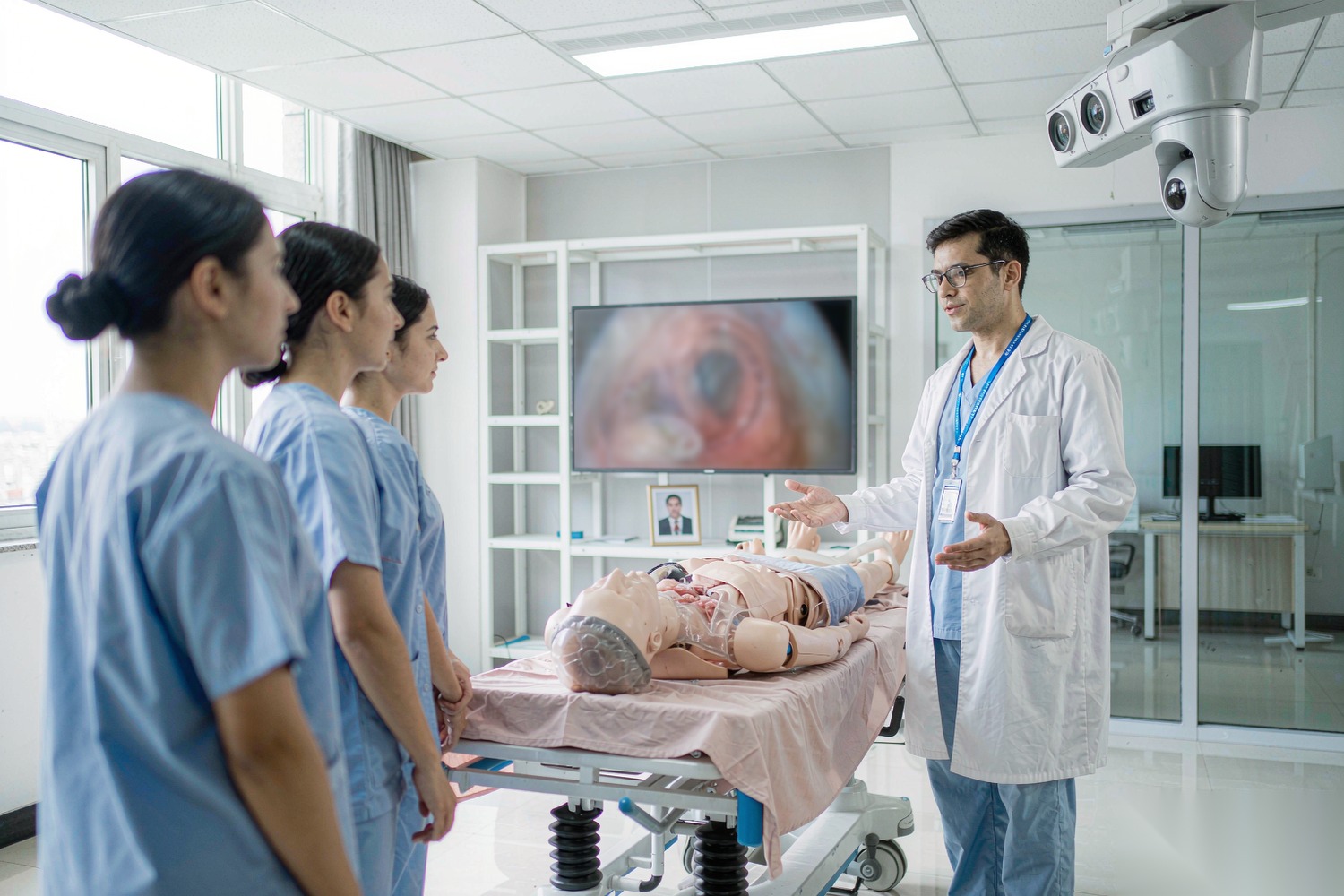
In the clinical skills centre the Bee3 Plus records every station of a simulation or OSCE session — the wide view, the close-up and the patient monitor — so trainers assess performance against the recording and trainees review their own actions during the debrief.
The debrief room replays the full timeline of a case: surgical full view, instrument image and camera view side by side, with two-way audio back to the operating theatre so questions can be asked while the team is still in the room.
A consultant can join from another hospital or from home: one-click instruction request, surgery screen switching, preview of the history demonstration document and interactive audio-video demonstration with remote annotation, on a computer, tablet or mobile phone.
 Tel:+86 13265602904