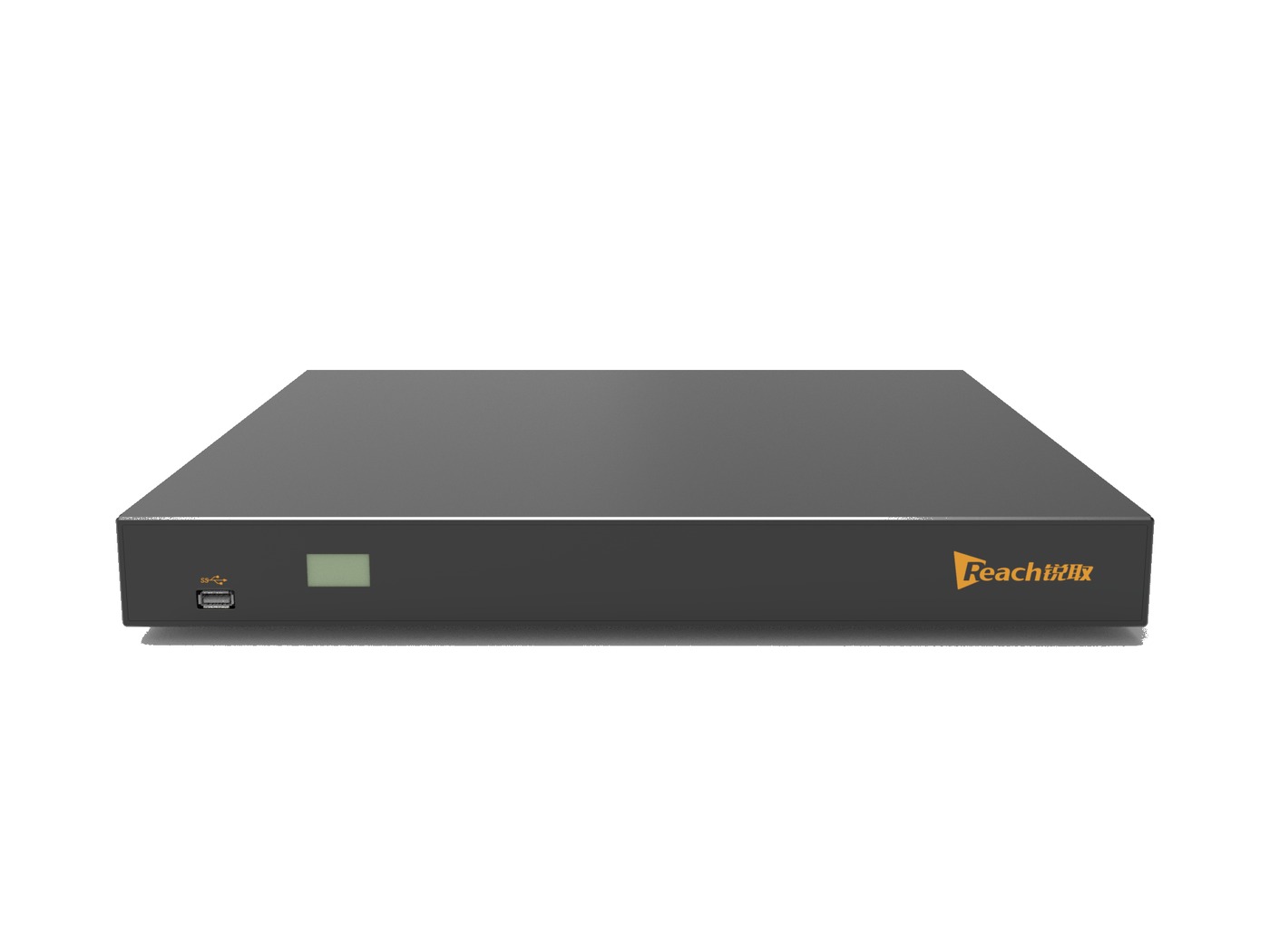
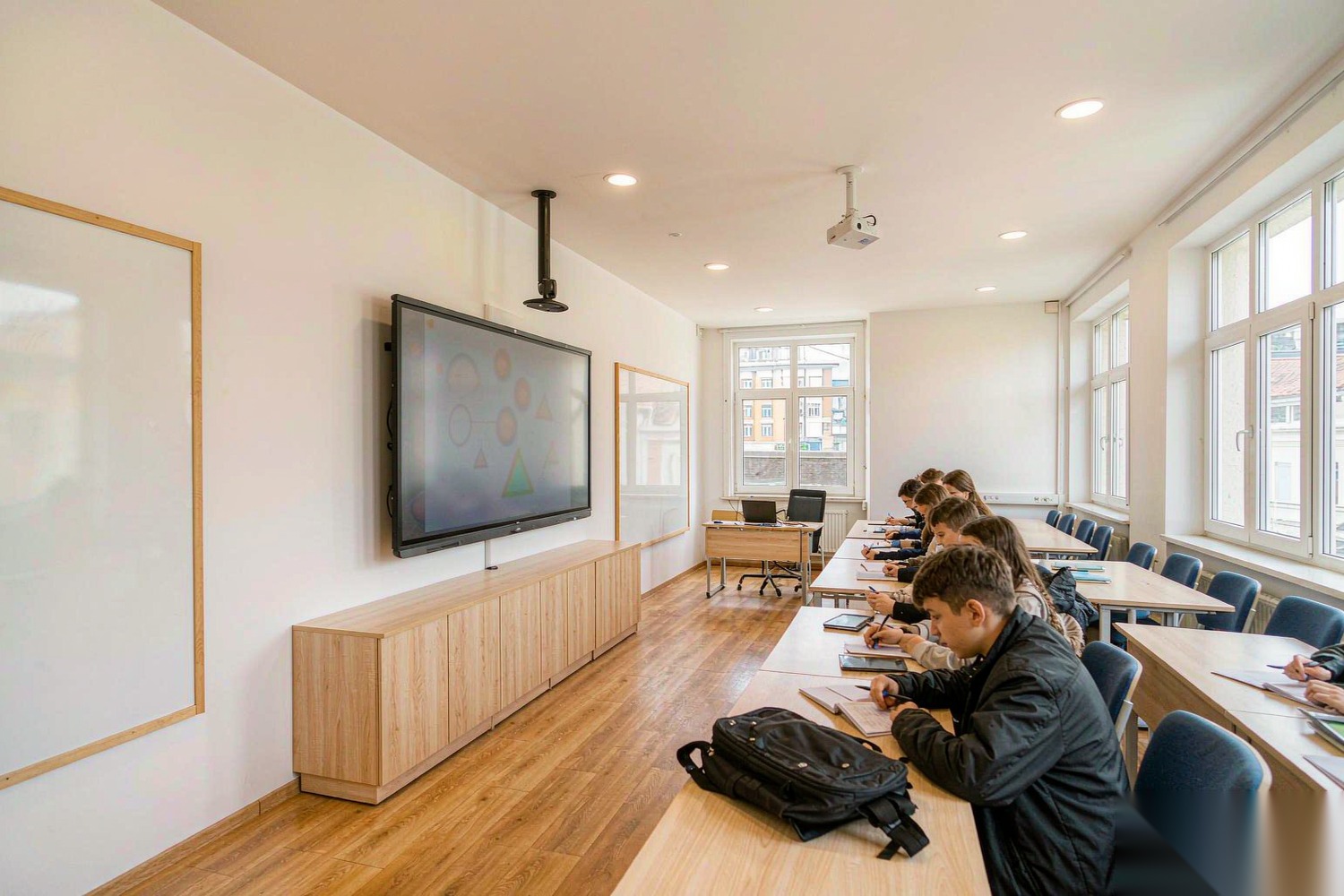
The Reach Studio AI TKR7000 is a six-input teaching and conference terminal for lecture halls, large classrooms and multi-purpose conference rooms. It combines capture, switching, recording, live streaming and room control in one unit: cameras, a document camera, a PC and IP streams are mixed into a single picture, recorded as MP4 and published to the campus platform — with no production crew in the room.
Because the same terminal handles teaching and conferencing, one room can host a class in the morning and a video conference in the afternoon. Remote classrooms join with two-way real-time interaction, a CC11 adapter connects the room to Zoom or Google Meet, and the CLX8 touch panel lets the lecturer switch sources, layouts and PTZ presets without touching a computer.
Six inputs, one terminal
Six video inputs across HDMI and IP channels, with HDMI and IP mixed output — enough for two cameras, a document camera, a PC and two remote streams.
4K UHD image quality
Captures and outputs up to 4K UHD, so handwriting on the whiteboard and detail on the lab bench stay legible for remote students.
Remote interactive teaching
Two-way real-time interaction with remote classrooms: shared screen, whiteboard and annotation run over the campus network.
Built-in PoE, one cable per device
Cameras and the microphone array are powered over the built-in PoE ports, which keeps installation and maintenance simple.
Visual control on site
The CLX8 touch controller and DC5600 joystick give the lecturer direct control of layouts, sources and camera presets.
One platform for every room
Reach Flow Campus schedules recordings, publishes live and VOD content and reports the status of every terminal.
The TKR7000 sits at the centre of the teaching space. The REA490 voice-tracking camera and the REA430 4K camera connect over HDMI and SDI / IP, the ACM702 array microphone feeds the audio input, and the lecturer works from the CLX8 touch controller. Local displays take HDMI out 1 and 2, while the CC11 adapter turns HDMI into USB 3.0 for Zoom or Google Meet. Over the campus network the terminal reaches remote classrooms and the Flow Campus platform for live streaming, VOD and FTP upload.
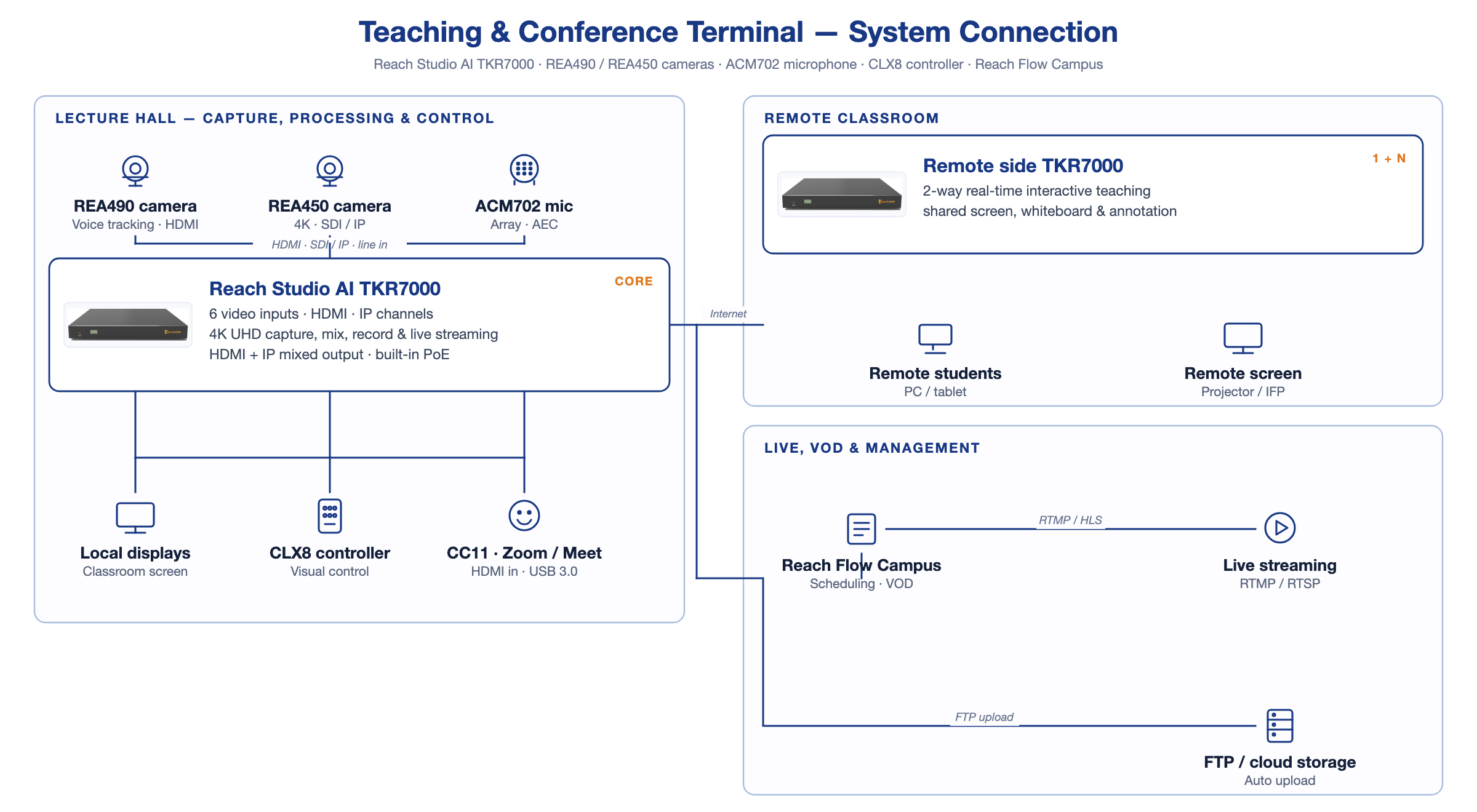
System connection — TKR7000 capture and control in the room, remote classroom over the campus network and the Flow Campus publishing layer
| Model | Role | What it does |
|---|---|---|
| TKR7000 | Teaching & conference terminal | 6 video inputs (HDMI + IP), 4K UHD capture, mixing, recording and live streaming, HDMI and IP mixed output, built-in PoE. |
| REA490 | Voice-tracking camera | Follows the lecturer by voice with HDMI output for the teaching terminal. |
| REA430 | 4K camera | 4K sensor with SDI and IP outputs for lecture halls and large classrooms. |
| ACM702 | Array microphone | Ceiling or table array with AEC and noise reduction for teaching spaces. |
| CLX8 | Touch controller | Visual control of sources, layouts, recording and camera presets from the lectern. |
| CC11 | HDMI to USB 3.0 adapter | Turns the terminal output into a USB camera for Zoom, Google Meet or Teams. |
| MCS500 | Management platform | Reach Flow Campus scheduling, live / VOD publishing and device status for every room. |
TKR7000 — teaching & conference terminal
A 300-seat hall needs more than one camera. Two REA cameras cover the lecturer and the audience, the document camera shows the textbook, and the PC brings in slides; the TKR7000 mixes all of them into one recording that remote students can follow.
A master classroom teaches five branch classrooms at the same time. Each remote TKR7000 receives the live picture and sends back its own camera and audio, so students in every room can ask questions and be seen asking them.
The same terminal serves a class in the morning and a partner meeting in the afternoon. The CC11 adapter presents the room as a USB camera to Zoom or Google Meet, and the CLX8 panel switches between teaching and conference layouts in seconds.
Every session is uploaded to Flow Campus with the timetable, so supervisors review lessons remotely and the school builds a searchable video library of its best teaching.
 Tel:+86 13265602904