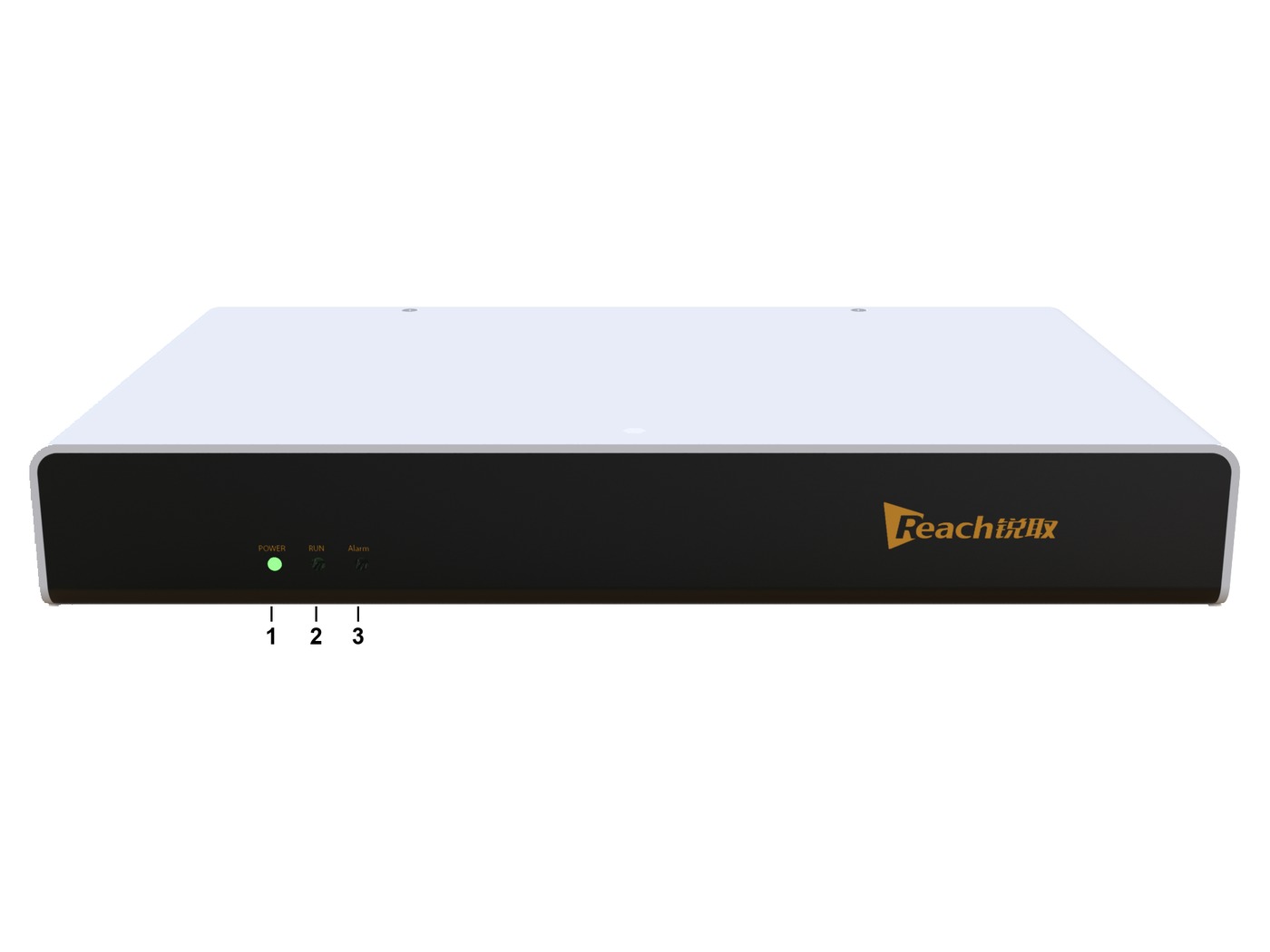
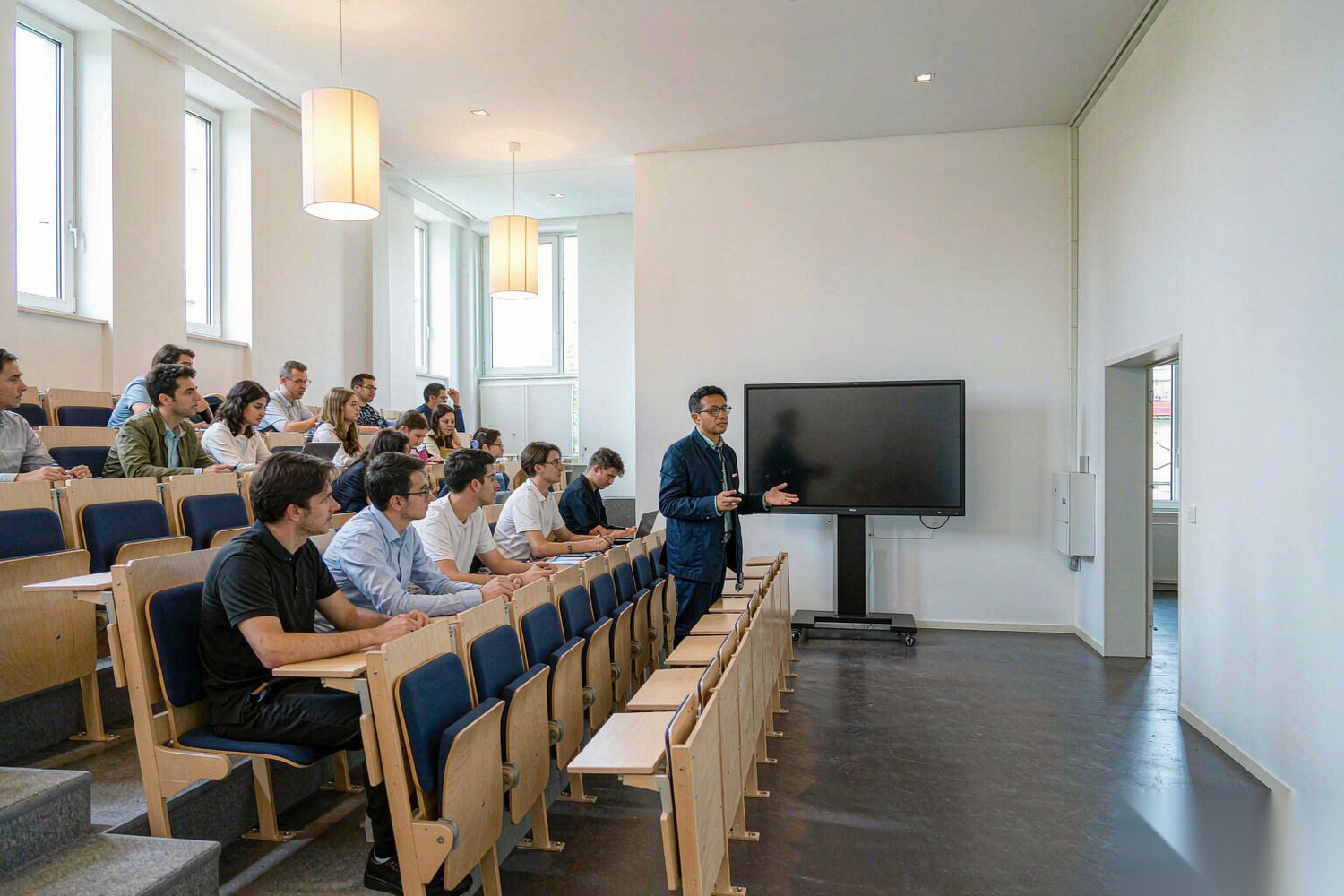
The Reach Lecture Capture Solution turns a standard classroom into an automatic recording and live-streaming studio. One Reach Studio AI Lite TKR5000S recorder sits at the centre of the room: it powers and controls the teacher and student cameras over POE, mixes the classroom audio, records every session as an MP4 file and publishes the live picture to YouTube, Facebook or the campus media platform — with no operator in the room.
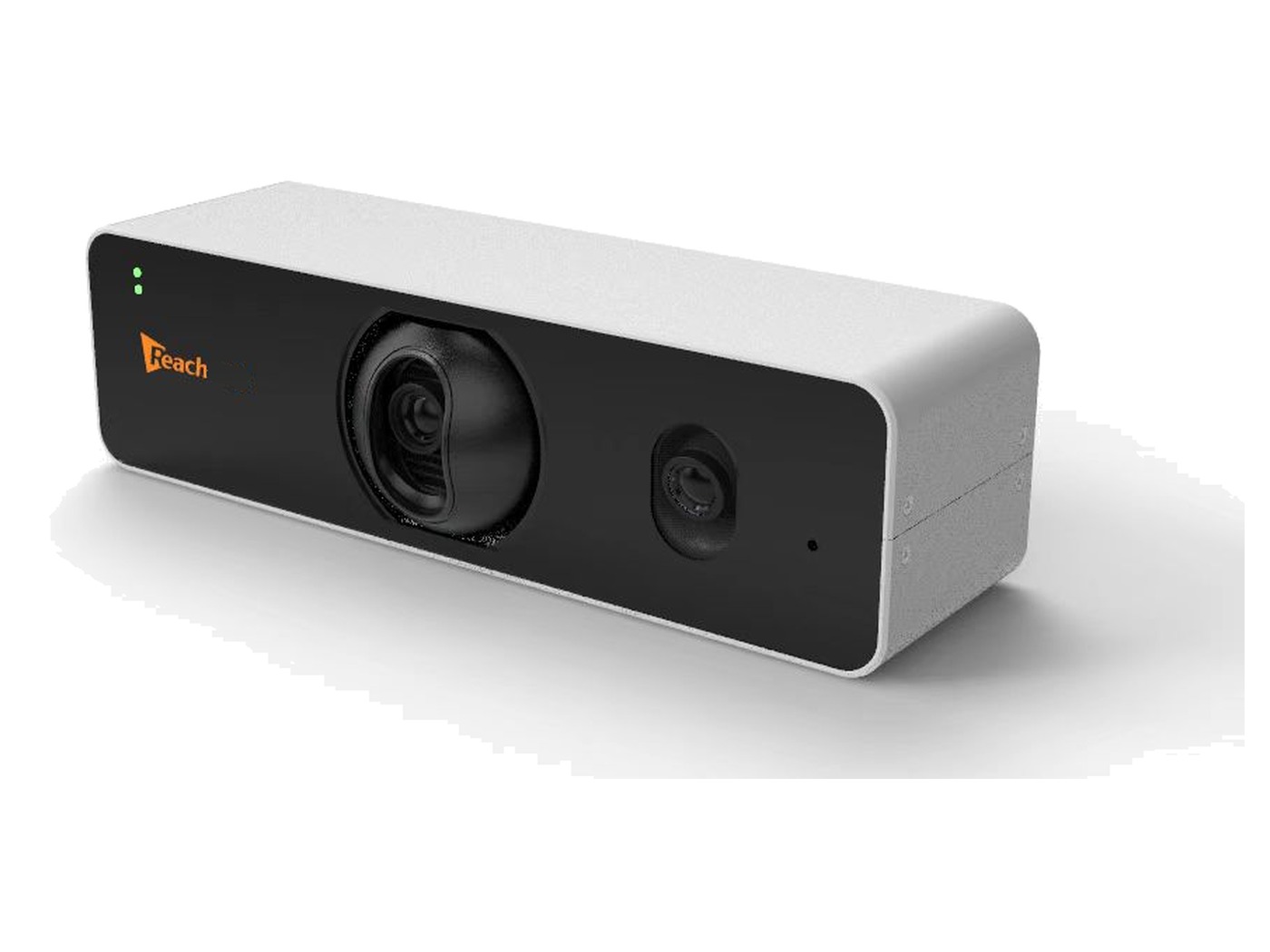
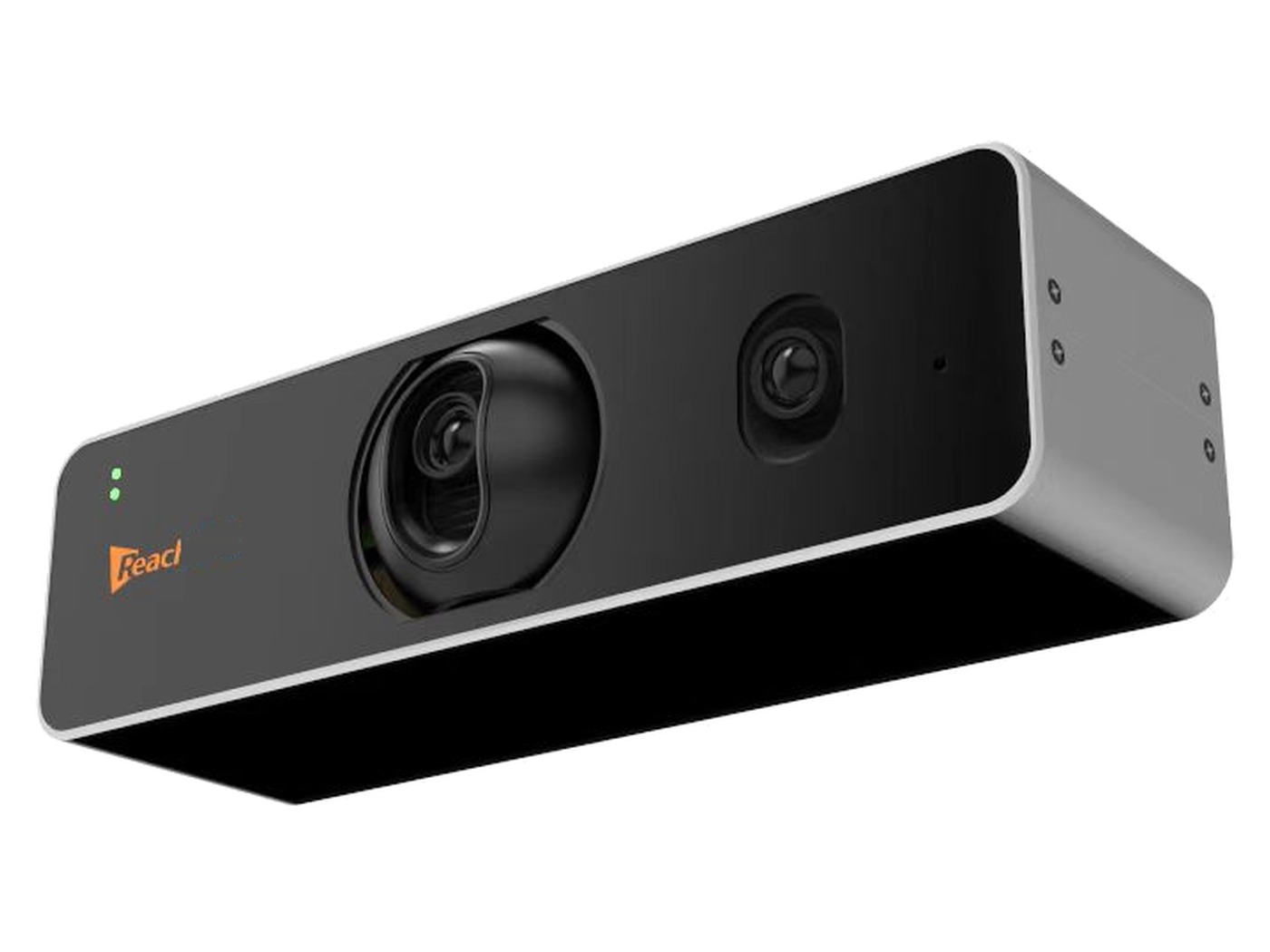
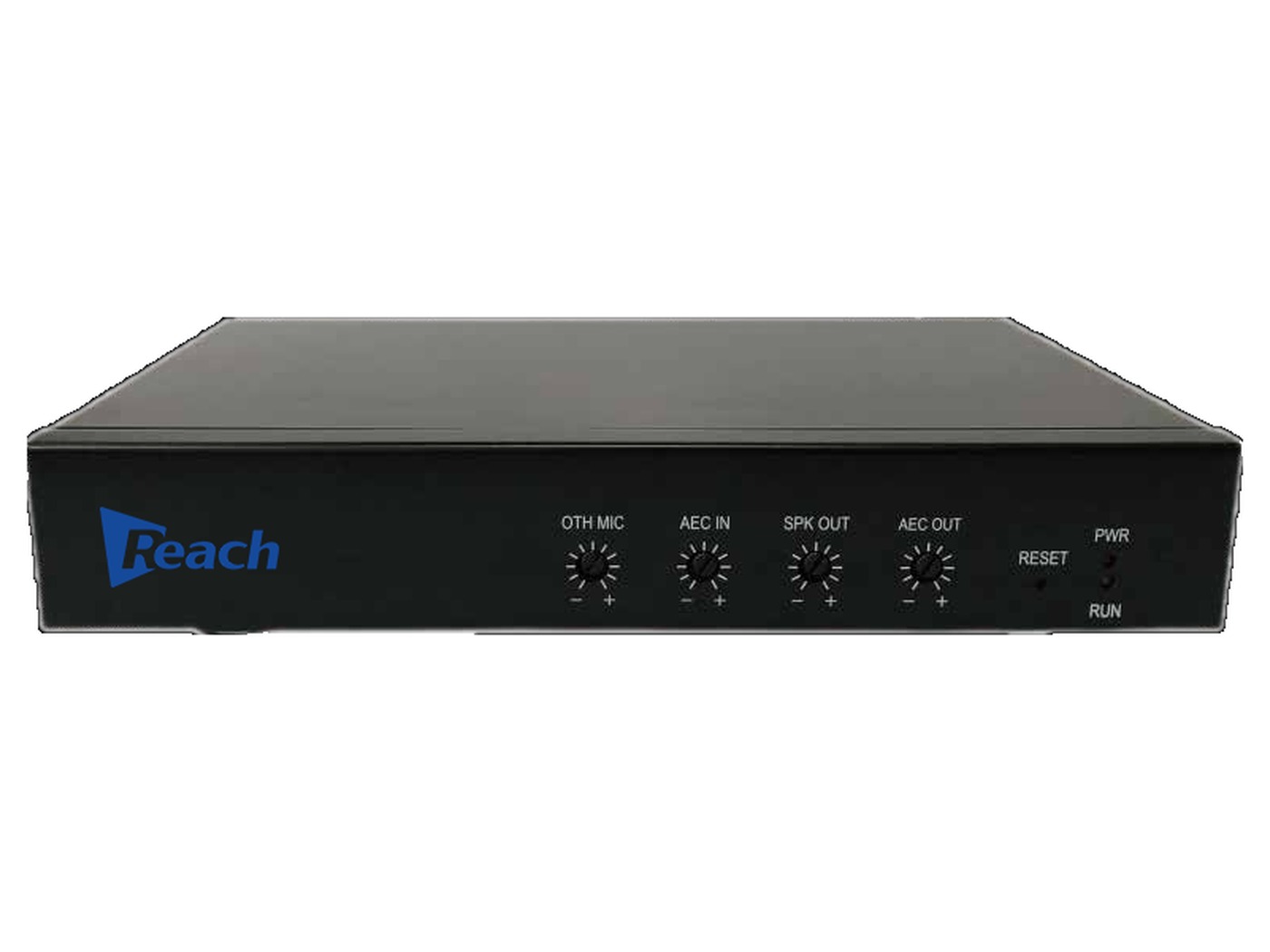
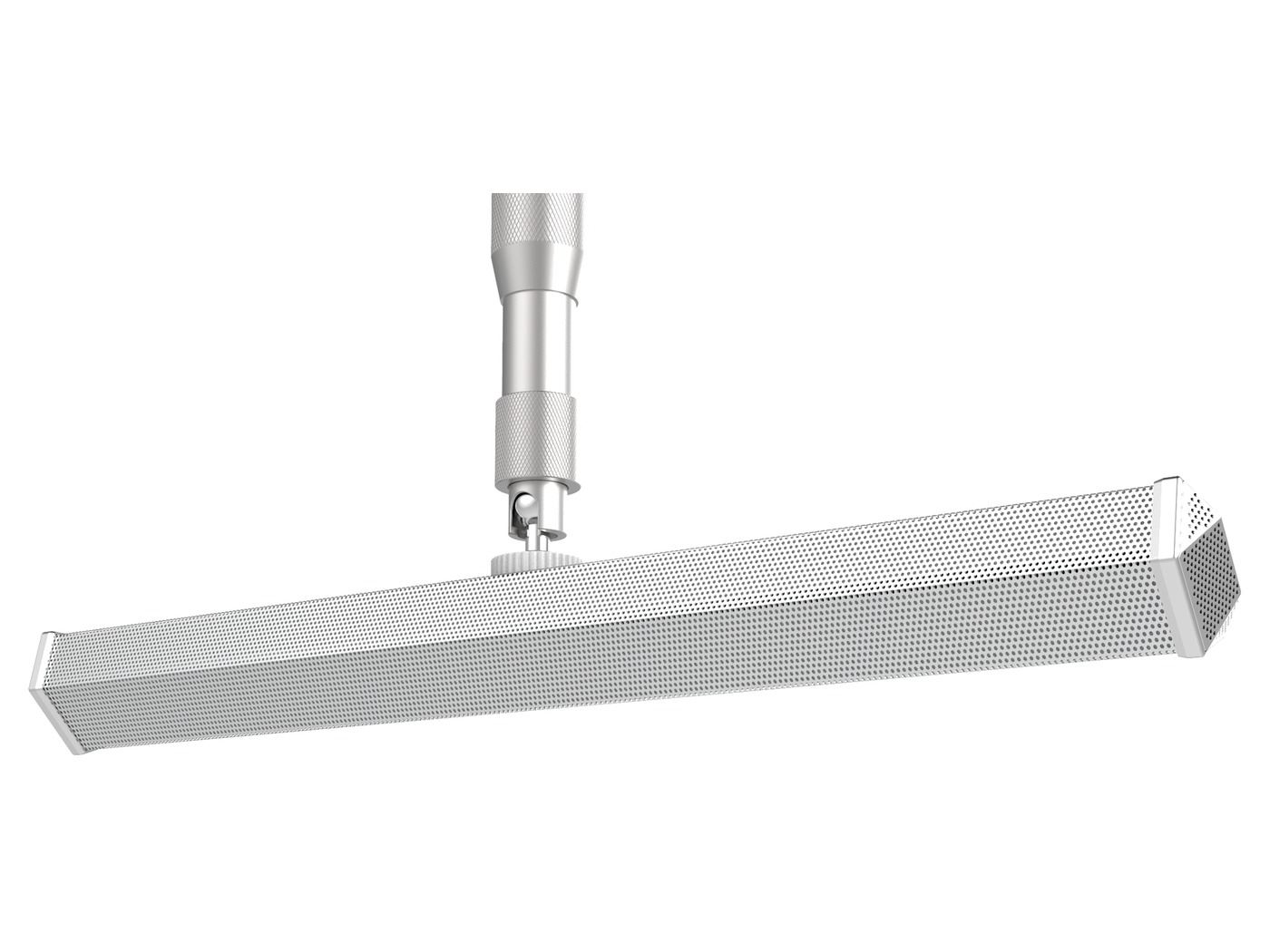
Two HD595C dual-lens cameras cover the teaching area. The teacher camera (HD595C-T) tracks the lecturer and switches between the panoramic and close-up views; the student camera (HD595C-S) captures the class from the blackboard side, so remote students see both the board and their classmates. The TAP800 audio system — a zone DSP with the ACM600 ceiling line array and the ACM100 omni microphone — picks up the teacher naturally and reinforces the voice locally, so the recording sounds as clear as the room itself.
One-touch recording
The teacher starts, pauses and stops the recording from the CLX4 control panel or a pad — no dedicated operator and no software to launch.
Automatic tracking & directing
The teacher camera follows the lecturer and switches between panorama and close-up; the student camera keeps the class in frame. Shot changes happen while the recording keeps running.
Natural sound reinforcement
The TAP800 zone DSP with ACM600 line array and ACM100 omni microphone amplifies the teacher’s voice evenly across the room — hands-free, no body pack.
Record & stream at the same time
Every session is written as a standard MP4 file while the live picture goes out as RTMP or RTSP at 1080p or 4K.
Scheduled tasks & remote management
The Media Center Pro platform schedules recording tasks, pushes firmware and reports device status — releasing the IT admin from repetitive daily work.
Multi-source AV switching
Courseware from the PC, the interactive panel and the cameras are switched into one composed picture, so remote students follow the lesson as if they were in the room.
The standard lecture capture classroom is built from six products. The TKR5000S is the core device: both cameras connect over its built-in 8-port POE switch, the TAP800 audio processor feeds the classroom sound in on the line input, and the CLX4 control panel, teaching display and campus network complete the room.
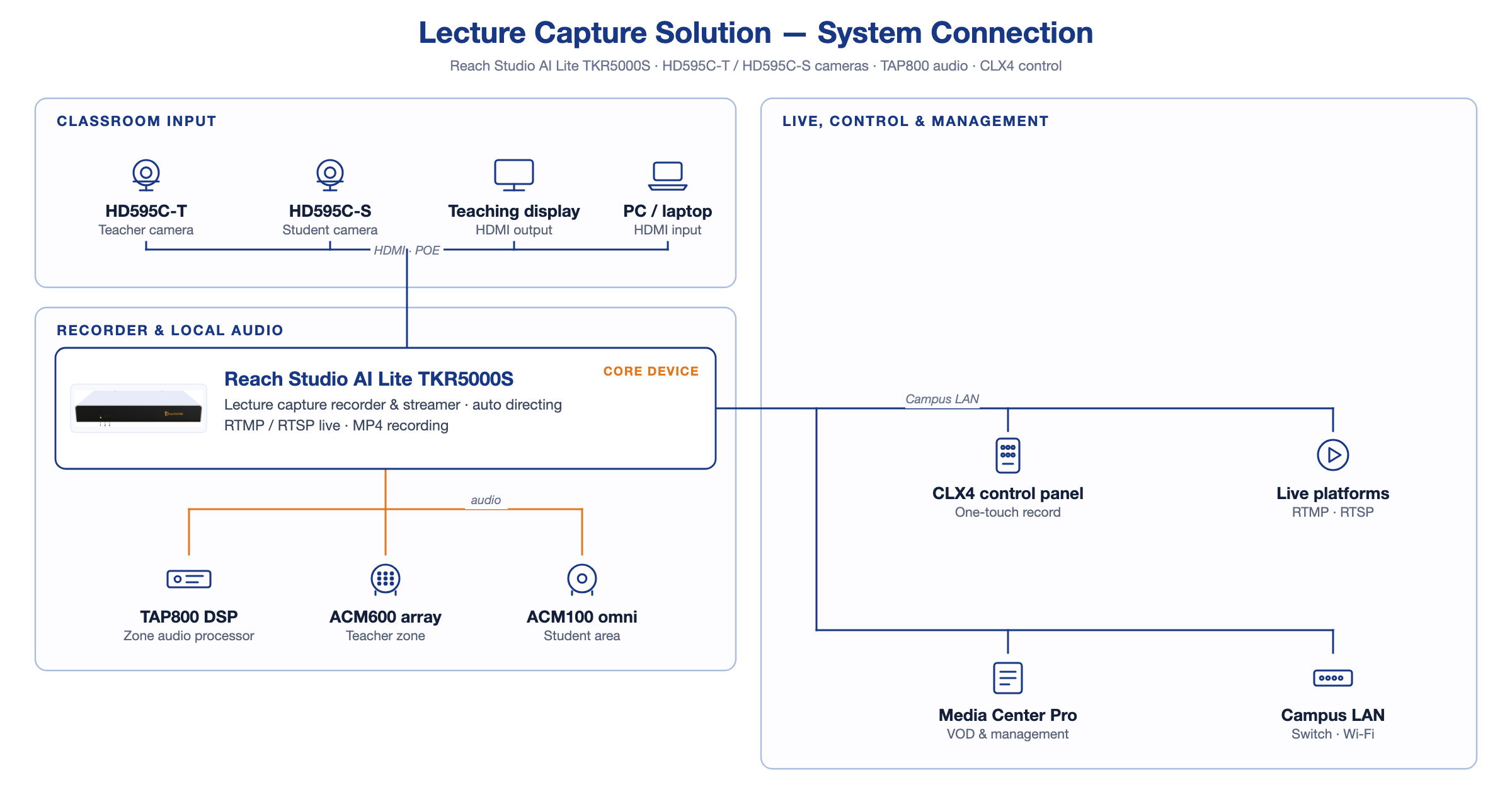
System connection — TKR5000S recorder with POE cameras, the TAP800 audio system and the live streaming output
| Model | Role | What it does |
|---|---|---|
| TKR5000S | Lecture capture recorder | 8-port POE switch, HDMI in / out, H.265 / H.264 encoding, MP4 recording, RTMP / RTSP live streaming, 2 TB storage. |
| HD595C-T | Teacher camera | Dual-lens panoramic and close-up views with automatic lecturer tracking, POE powered. |
| HD595C-S | Student camera | Dual-lens panoramic and close-up views of the class, POE powered. |
| TAP800 | Audio processor | Zone DSP with AEC and sound reinforcement: line in, speaker out, omnidirectional microphone input. |
| ACM600 | Line array microphone | Six-array ceiling-mounted bar microphone covering every seat without body packs. |
| ACM100 | Omni microphone | Student-area audio pickup, daisy-chained into the TAP800 processor. |
TKR5000S — lecture capture recorder
HD595C-T — teacher camera
HD595C-S — student camera
TAP800 — audio processor
ACM600 — line array microphone
Popular lecturers deliver open classes to every classroom in real time. When the network is good, the session is pushed to YouTube or Facebook so students learn online; when the class is over, the recording is available on demand for revision.
Administrators set up scheduled recording tasks on the Media Center Pro platform. The system records, uploads and files each session automatically — releasing the IT admin from repetitive daily device management.
During the class the cameras track the teacher automatically and switch between the panoramic and close-up images according to the teaching behaviour, so one camera never misses the blackboard or the lecturer.
Courseware from the PC, the interactive panel and the cameras are switched into one composed picture and sent to the video station, ensuring that remote students see exactly what the classroom sees.
 Tel:+86 13265602904