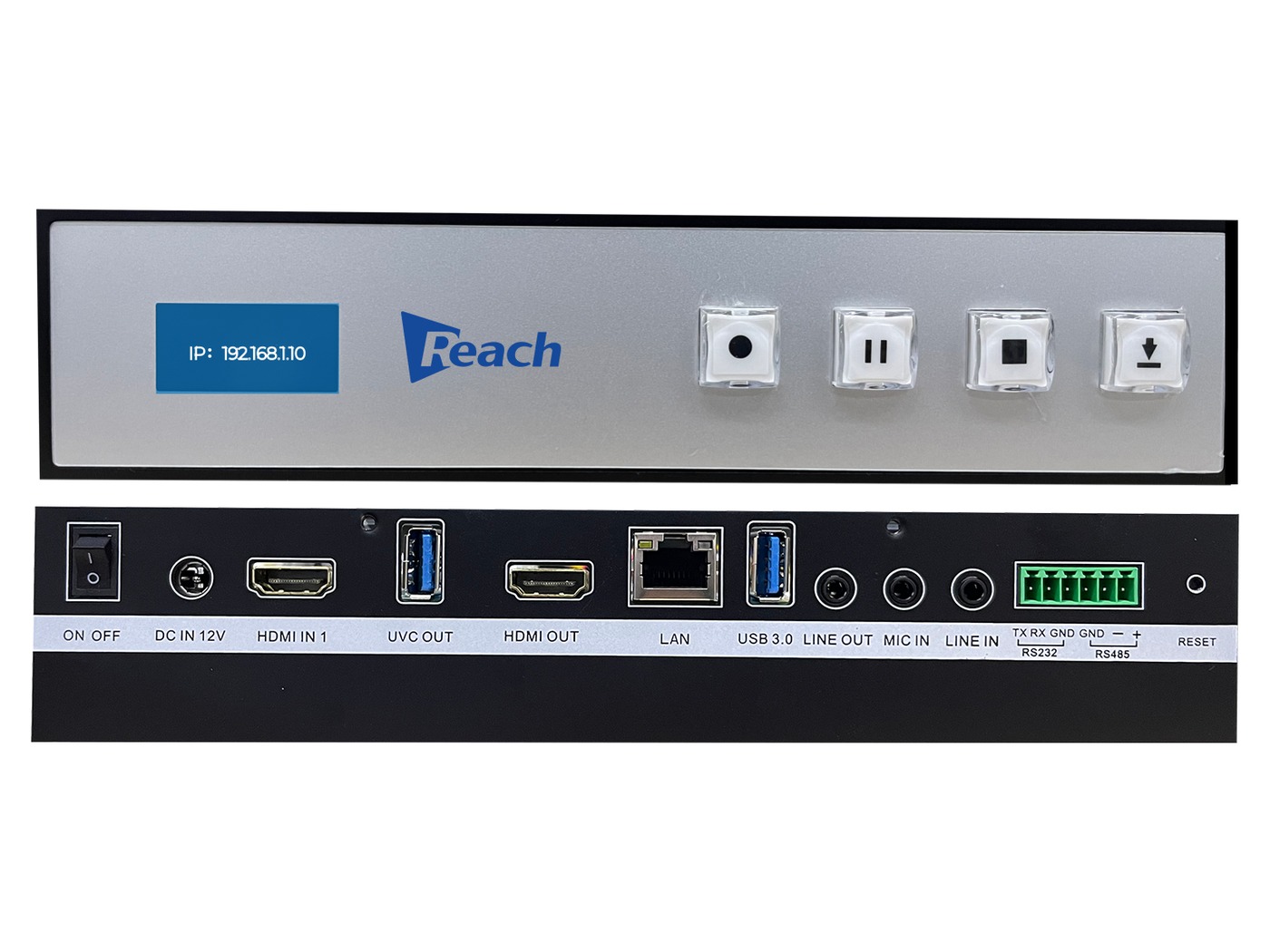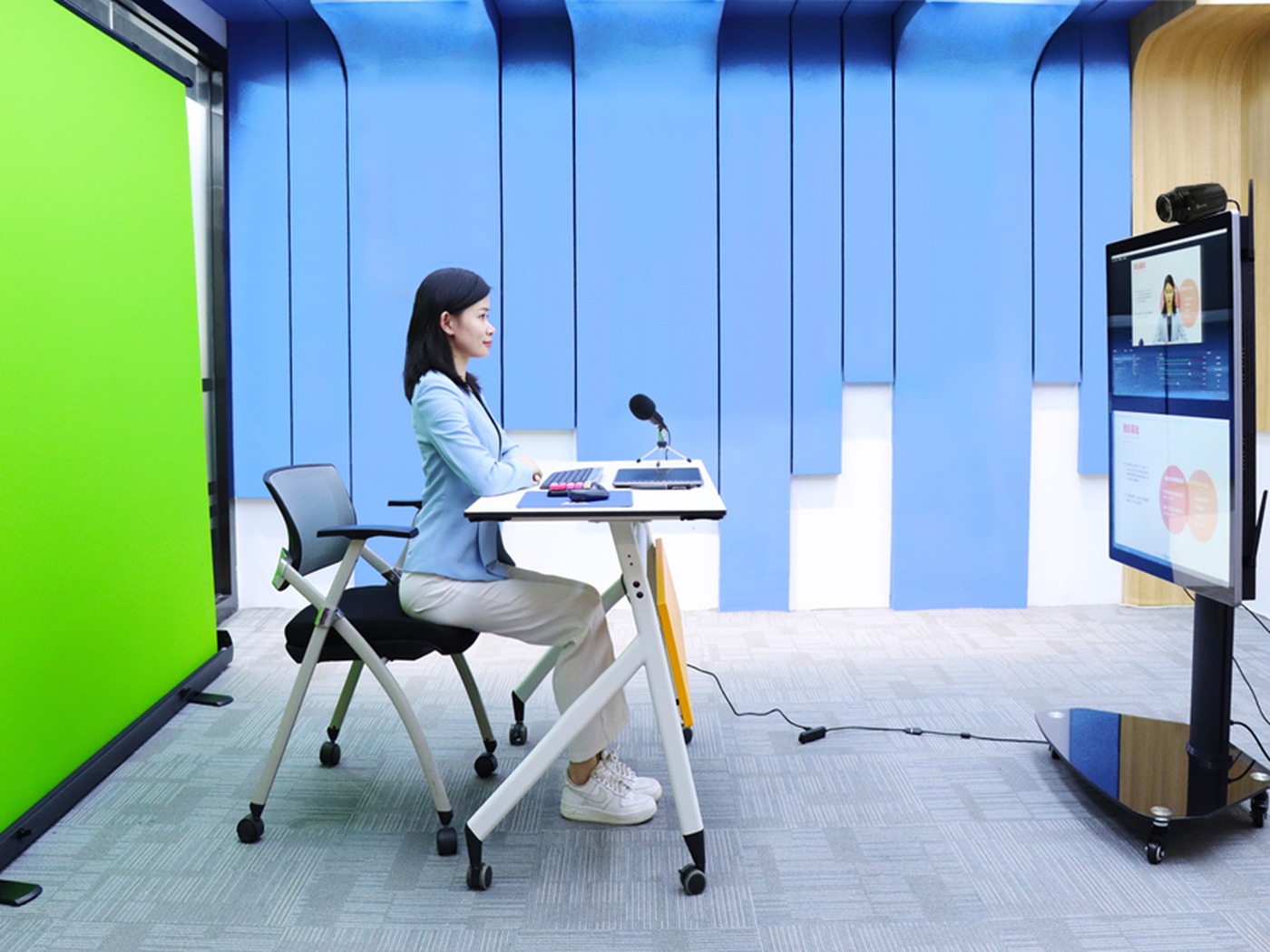
A campus TV station used to need a studio, a camera crew and a control room. The Reach campus TV solution reduces it to one presenter, one camera and eight square metres of space. The BeeMix2UH-T virtual studio host takes the camera signal, removes the green screen with chroma keying and composites the presenter into a 2D or 3D virtual scene — with the slides, the school logo and a lower-third caption placed exactly where the template puts them.
One person runs the whole programme from the director keyboard: switch scenes, bring in the PC, cue the teleprompter and go live. Programmes are published through Reach Flow Campus to the campus screens, the school website and social platforms at the same time, so a morning assembly can be on every screen in the building before the first lesson.
One-person production
The presenter switches scenes, sources and captions from the director keyboard — no camera operator and no control room.
Eight square metres are enough
No photography cloth and no professional lighting: a corner of a classroom becomes a virtual studio in a day.
Chroma key & 3D virtual scenes
2D and 3D custom scenes with static or dynamic backgrounds; the host synthesises image and sound automatically.
Cinema-grade picture quality
The camera switches between panoramic and close-up positions and reproduces the picture texture 1:1.
Built-in Windows computer
Slides, video clips and browser content run on the built-in PC, so any courseware format works without extra equipment.
Publish everywhere at once
Reach Flow Campus pushes the programme to campus screens, the website, YouTube, Facebook and mobile, on a private server or Google Cloud.
The studio floor is deliberately simple: a PTZ camera, the presenter PC and a wireless microphone feed the BeeMix2UH-T host, which composites them over the virtual scene. The programme output goes to Reach Flow Campus, and from there to the live platforms and the campus screens; the same platform keeps the recording for VOD and social media.
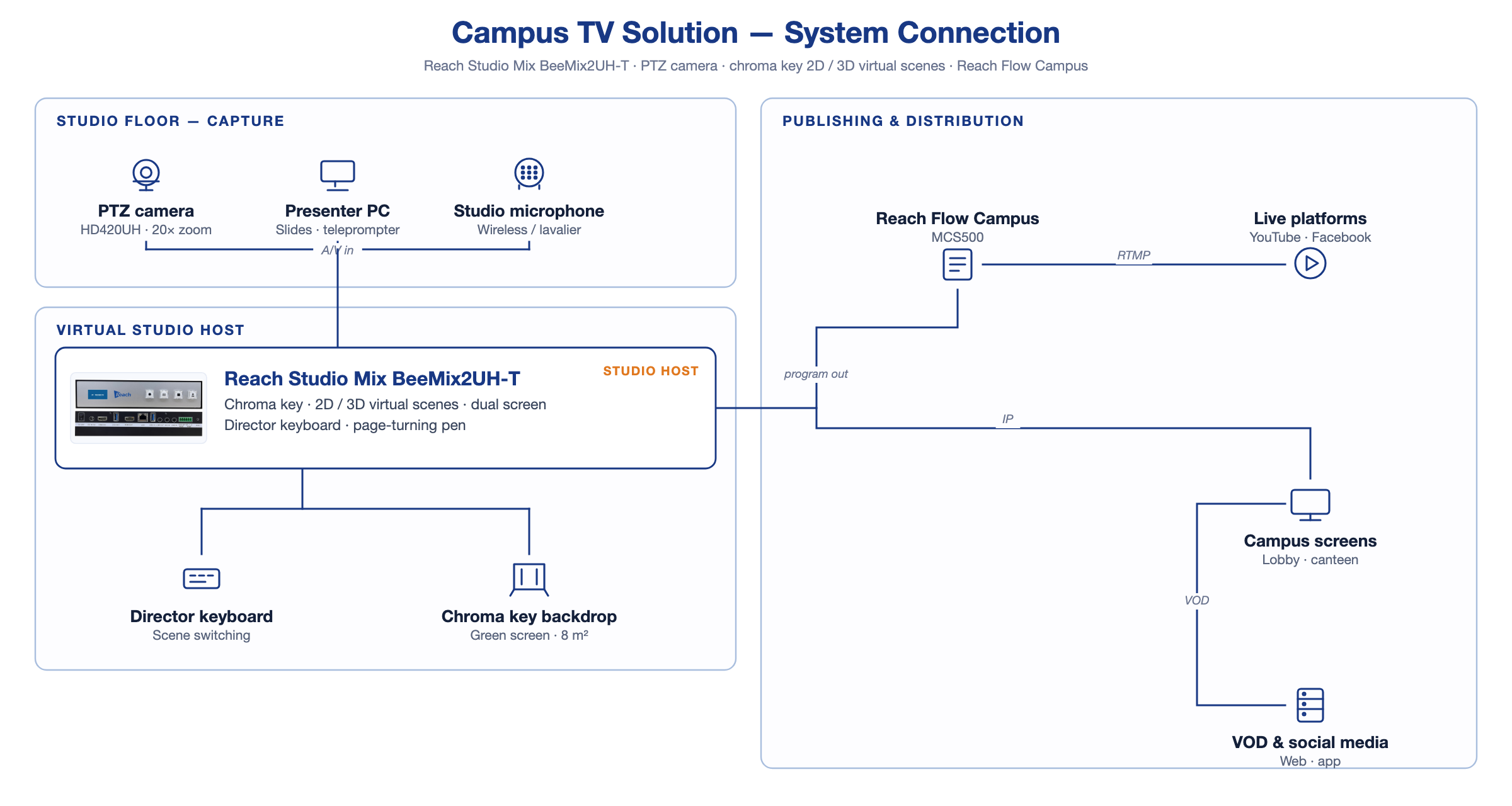
System connection — studio capture into the BeeMix2UH-T virtual studio host, then live distribution and VOD through Reach Flow Campus
| Model | Role | What it does |
|---|---|---|
| BeeMix2UH-T | Virtual studio host | Chroma key, 2D / 3D virtual scenes, built-in Windows PC and dual-screen preview for one-person production. |
| HD420UH | PTZ camera | 20× optical zoom with HDMI and IP output; panoramic and close-up positions. |
| ACM702 | Array microphone | Studio audio pickup with AEC, feeding the host through line or USB input. |
| MCS500 | Publishing platform | Reach Flow Campus: live streaming, VOD publishing, programme library and viewer statistics. |
BeeMix2UH-T — virtual studio host
Virtual studio — 8 m² setup
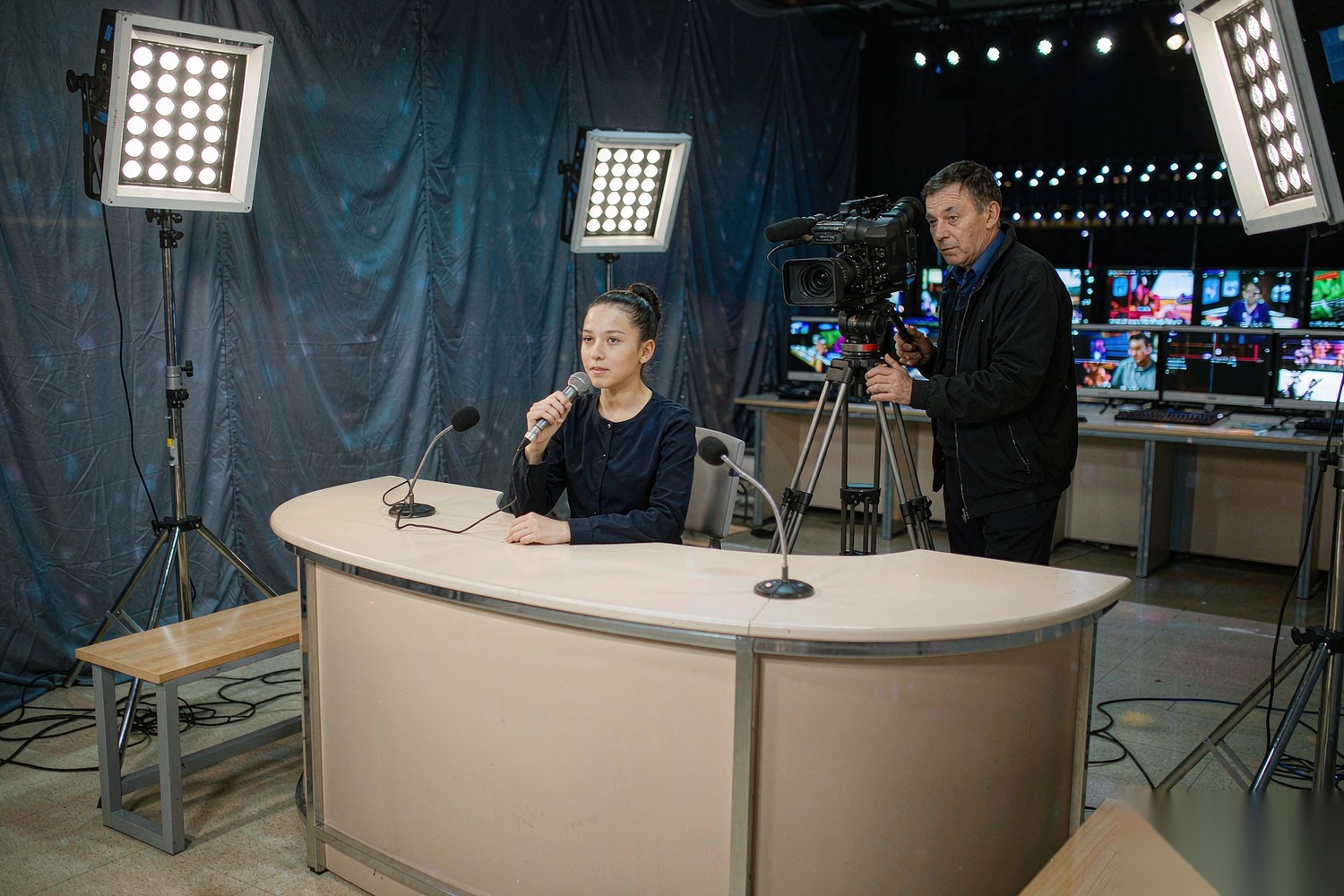
The student broadcasting team produces a weekly news programme with the same virtual set as a television station. It goes out live to every classroom screen and stays on the school website as a recording.
A visiting professor records a lecture in the studio with slides and 3D background; the recording becomes part of the school’s open course library without a production team.
Emergency notices, enrolment briefings and press events are streamed from the studio to social platforms and the campus screens at the same time, with one operator.
The marketing office uses the same studio to record recruitment films and programme introductions with virtual backgrounds, then publishes them to YouTube and social media.
 Tel:+86 13265602904