

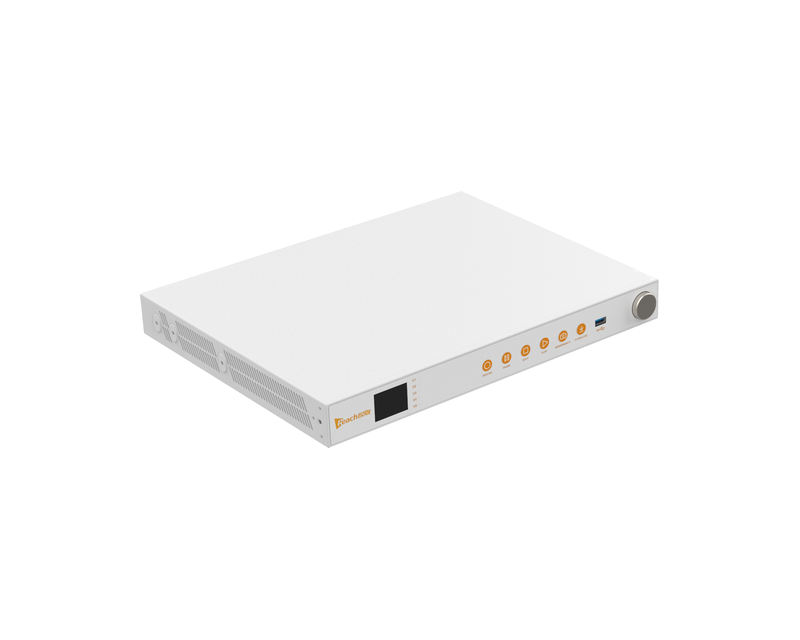
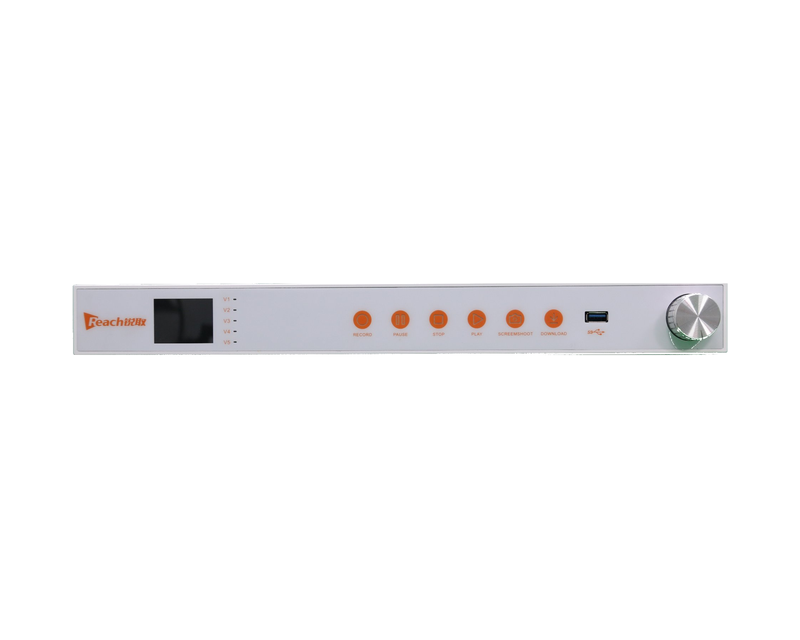
Reach MedEd Studio MM5000 records five HD medical sources as MP4 for surgical teaching, with SIP interaction, USB 3.0 export and YBOLO platform publishing.

Reach MedEd Studio MM5000 is an all-in-one recorder built for surgical and clinical teaching. Five high-definition inputs — four SDI / DVI combo channels for cameras, endoscopes, C-arms and other medical video sources, plus one DVI-I port for the local PC — are captured, encoded and recorded together as a single MP4 file, so a procedure can be reviewed exactly as it happened.
The recorder runs an embedded Linux system with H.264 High Profile encoding and records the composite picture and the individual sources at the same time. Two HDMI outputs let the operating room watch the live picture while the seminar room replays the recording, and a 2 TB drive (up to 8 TB) holds the archive locally before it is pushed to a server or an FTP target.
For teaching, the MM5000 opens a point-to-point voice and video session with Reach R6 / R11 recorders or the MedicalTE soft terminal over SIP — the demonstrating surgeon and the seminar room talk to each other while the procedure keeps recording. Operation stays simple: six front-panel keys and one knob cover record, pause, stop, playback, screenshot and download, so a nurse can start a session without a laptop.
The 1U chassis fits an equipment cart or a rack in the operating room. The front panel carries the LCD status display, the V1–V5 input indicators, the six function keys, the USB 3.0 port and the jog knob; the rear panel carries the video, audio, control and network connections.
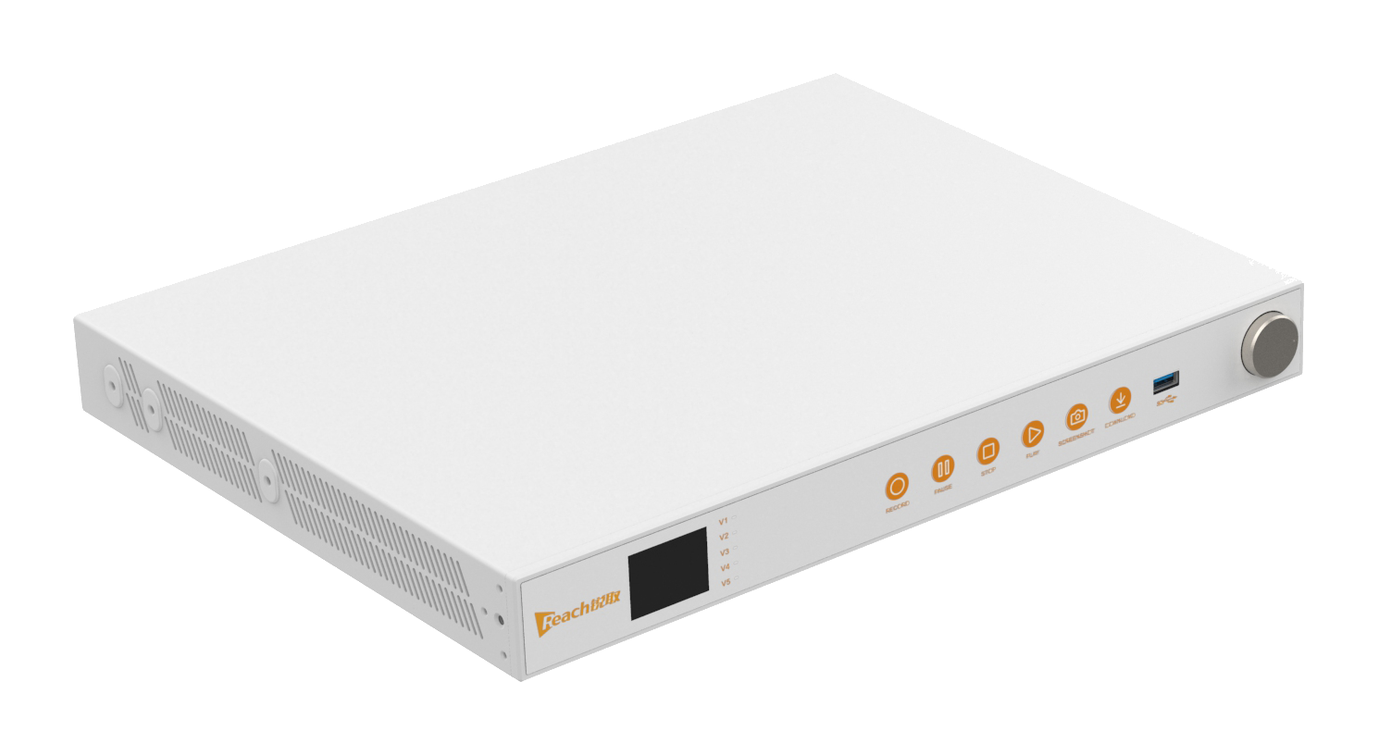
MM5000 — 1U medical recorder with front-panel control.
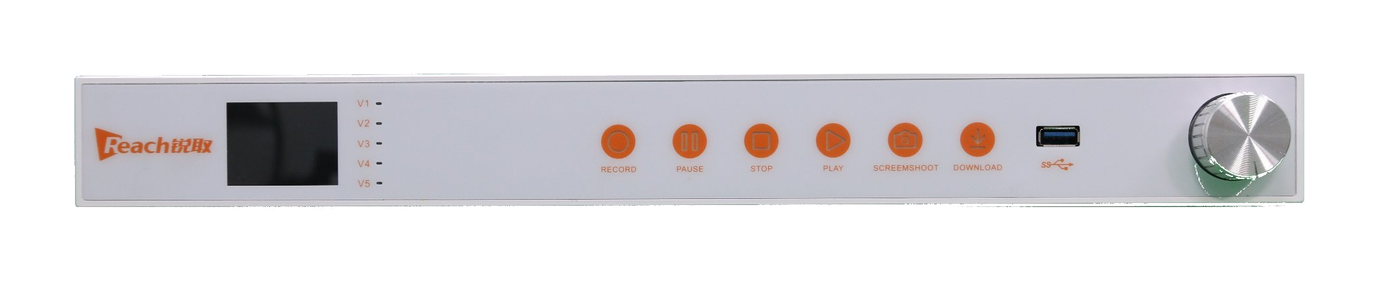
Front panel — LCD status display, V1–V5 indicators, six function keys, USB 3.0 and jog knob.
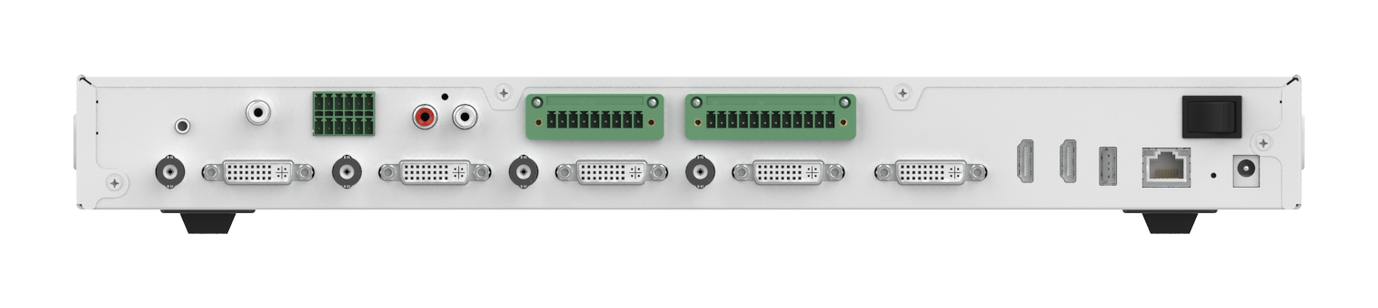
Rear panel — four SDI + DVI-I input groups, DVI-I input 5, HDMI outputs 1–2, audio and control terminals, network.
| Item | MM5000 |
|---|---|
| Operating system | Embedded Linux |
| Video encoding | H.264 High Profile |
| Audio encoding | AAC, 44.1 kHz, 96 kbps |
| Recording resolution | SD D1; HD 720p / 1080p (VGA input up to 1920 × 1200) |
| Frame rate | 1–60 fps (1080p and above: up to 30 fps) |
| Bit rate | 2 / 4 / 8 Mbps, selectable |
| Composite modes | 2 to 5 pictures |
| Recording modes | Composite and resource modes recorded simultaneously |
| Storage | 2 TB standard, up to 8 TB |
| File format | Standard MP4 |
| Streaming | RTSP (TCP / UDP), RTMP (TCP), standard data stream |
| Local output | HDMI out 1: live 1080p; HDMI out 2: composite 720p / 1080p |
| Video inputs | 4 × SDI + DVI-I combo groups, 1 × DVI-I (local PC) |
| SDI input formats | 720p 50 / 60, 1080p 25 / 30, 1080i 50 / 60 |
| DVI / VGA input formats | Up to 1920 × 1200 @ 60 Hz (VGA up to 1600 × 1200) |
| Audio inputs | MIC in (phoenix), LINE in (phoenix), LINE in 3.5 mm, MIC in RCA |
| Audio output | LINE out |
| Interaction | SIP; Reach R6 / R11 recorders, MedicalTE soft terminal |
| Management | Web interface, front-panel keys, ORC operating-room control software |
| Export | USB 3.0, FTP, web download |
| Language | English, Chinese |
| Operating temperature | -20 °C – 60 °C |
| Storage temperature | -40 °C – 80 °C |
| Relative humidity | 5% – 95% |
| Connector | Function |
|---|---|
| SDI IN 1–4 / DVI-I IN 1–4 | Four combo input groups — SDI or DVI-I, one active per group, switched in the web interface |
| DVI-I IN 5 | Local PC / presentation input (DVI, HDMI or VGA source) |
| HDMI OUT 1 | Live picture for the operating room |
| HDMI OUT 2 | Composite / playback picture |
| MIC IN, LINE IN | Microphone and line audio inputs (phoenix terminal blocks) |
| LINE OUT | Audio output to the room system |
| Control | Camera control ports with speed and preset support (two spare) |
| USB 3.0 | Recording export and direct recording to USB storage |
| LAN | Network: web management, RTSP / RTMP streaming, FTP upload |
| DC input | Power input with front switch |
Pre-set the camera positions with the control ports, select the input group per channel in the web interface, and choose composite or resource recording. During the procedure the surgeon talks to the seminar room over the SIP session; the recorder keeps writing the MP4. After the case the file is exported over USB 3.0, uploaded to the hospital FTP server, or published on the YBOLO platform for the students to review on demand.
Deployment note: each combo input accepts SDI or DVI-I, not both at the same time — map the sources before the case. FTP upload and YBOLO platform connection are mutually exclusive; choose one archiving route.
 Tel:+86 13265602904